
Projects
Projects
Each project has a page with its run commands, security scans, packages, environments, and the skills, MCP servers and hooks its agents start with.
Project workspace
A project is a folder you work on with agents. Bootstrap a repo, keep notes, pin and reorder projects, and archive the ones you are done with. Paste a GitHub link when you create a project and Runova clones it, private repos included, through your gh sign-in.
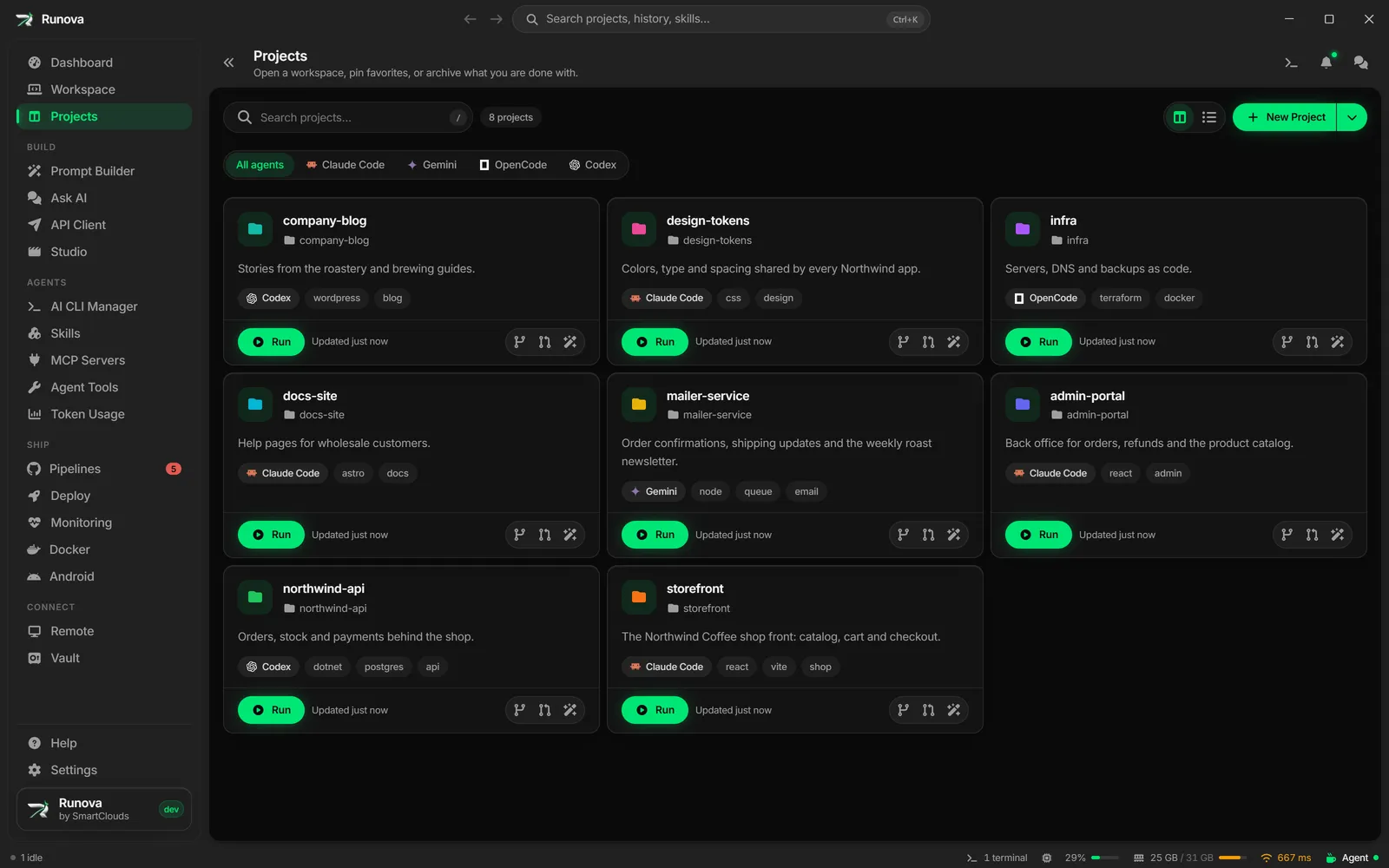
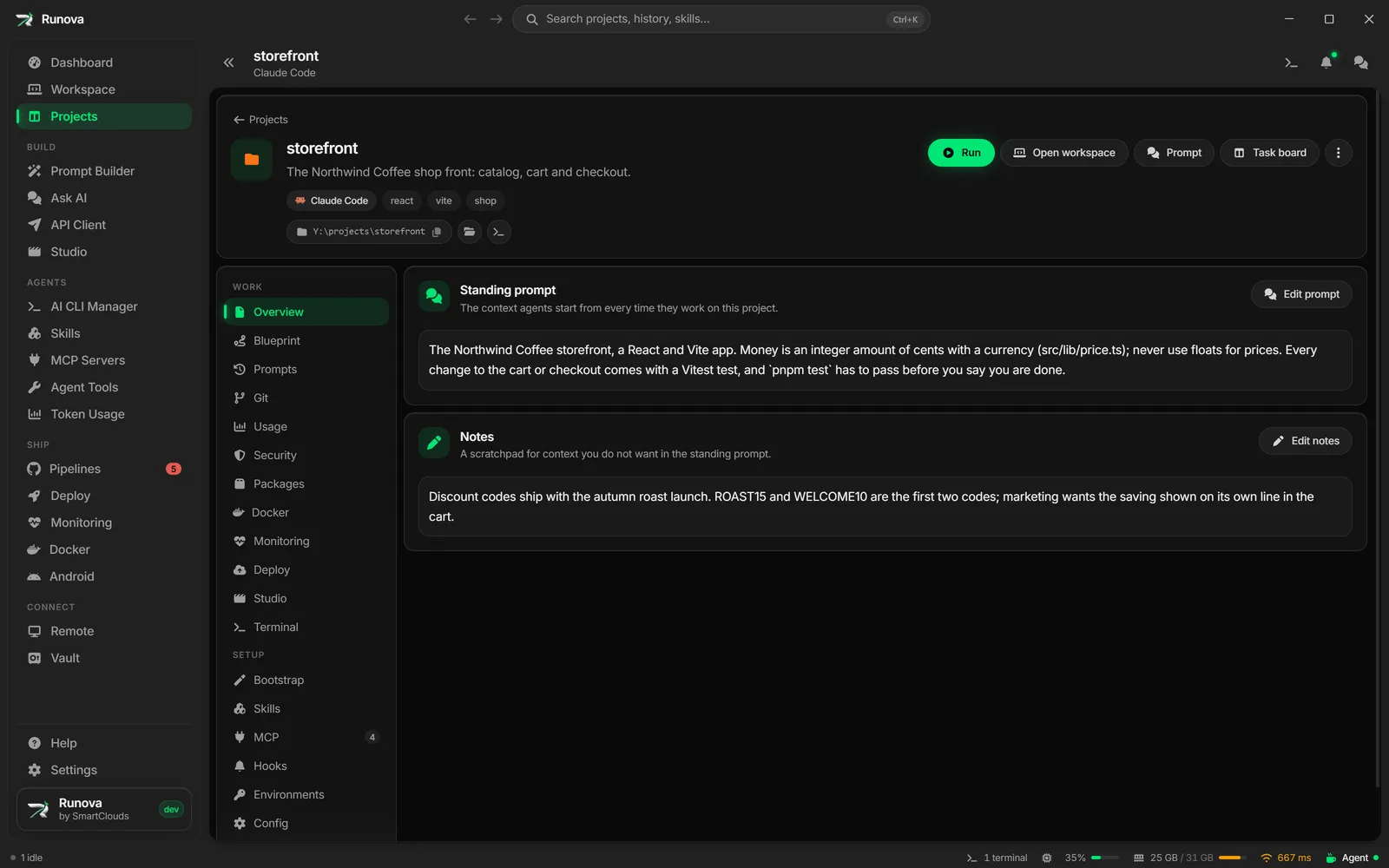
Each project has its own page with a standing prompt that every agent starts from, its notes, and tabs for everything below.
Run commands
Launch a project’s run commands from its card. A command can leave a value open, such as {{port=3000}}, and Runova asks for it in a short form before it runs. Pause freezes a dev server and everything it started so the CPU is free for other work, and Resume picks up every file change at once. Stopping a run offers to stop its containers too, and an agent can propose run commands for you to approve.
WordPress projects
Make a project from a connected WordPress site. Runova pulls the themes and plugins you pick into a folder with the site’s own layout (wp-content/themes/...), so agents work on them like any other code. Before you deploy, a review shows every file that will go up, any conflict with changes made on the site, and what stays behind: agent settings, skills and Runova’s own files never leave your computer.
Security
Scan a project with Semgrep, Trivy, Bearer, SonarQube, CodeQL or Strix, and see the findings by severity on the project’s page.
Packages
See and update the dependencies of npm, pnpm, Yarn, NuGet and Dart or Flutter pub projects, with a view that lists only what is outdated.
Environments
Keep development, test, staging, production and your own environments per project, each with its own env files and credentials. They are encrypted on this computer behind the vault’s master password and stay out of the repo. Import the .env files you already have, and copy a value out when you need it.
Setup
Attach skills, MCP servers and hooks to a project, edit the agent config files, and schedule prompts to run later.