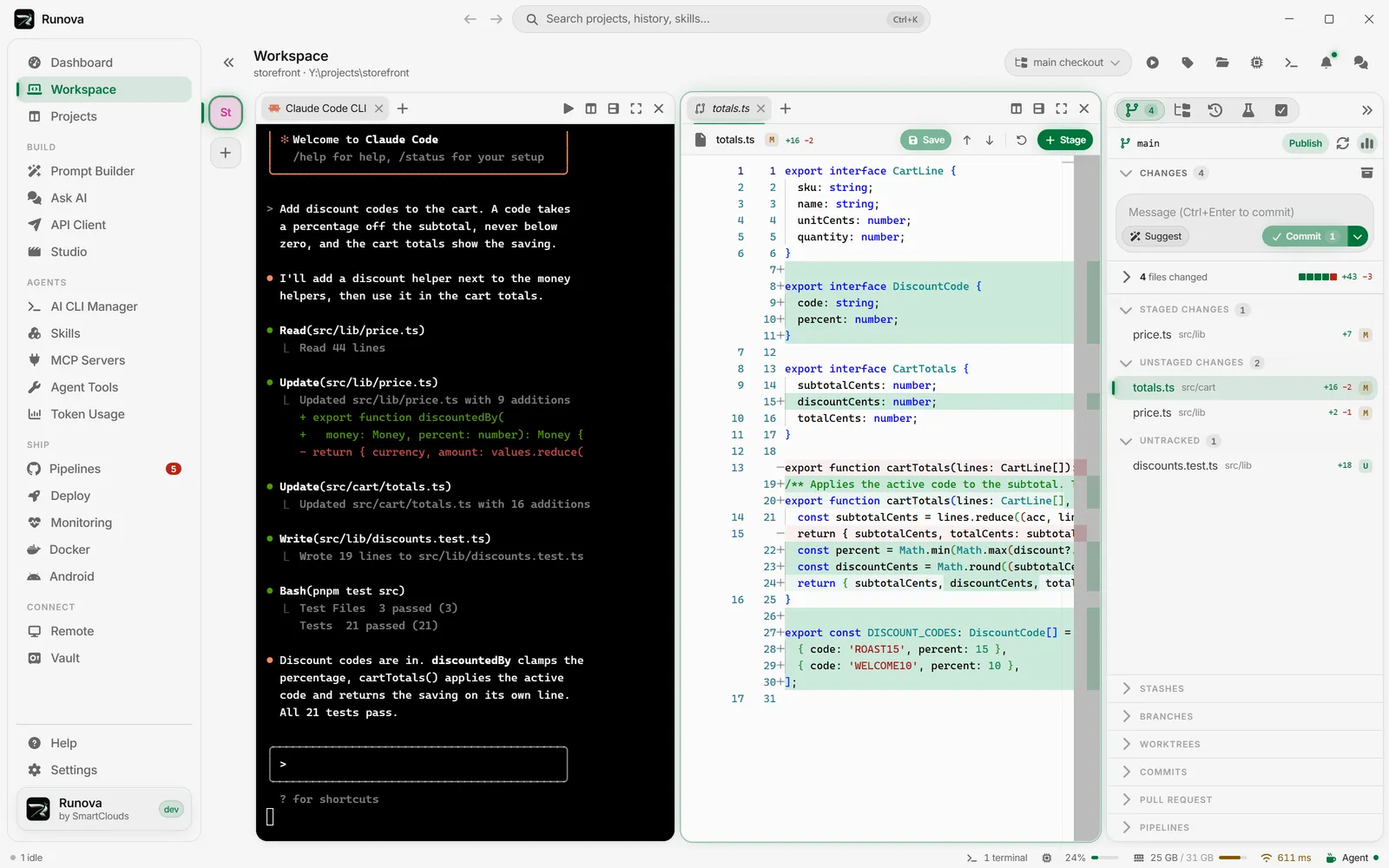
Workspace
Workspace and agent status
One window, as many panes as you need, and an agent or a shell in each. Runova shows which agents are working, which are waiting on you, and which are done.
Multi-pane workspace
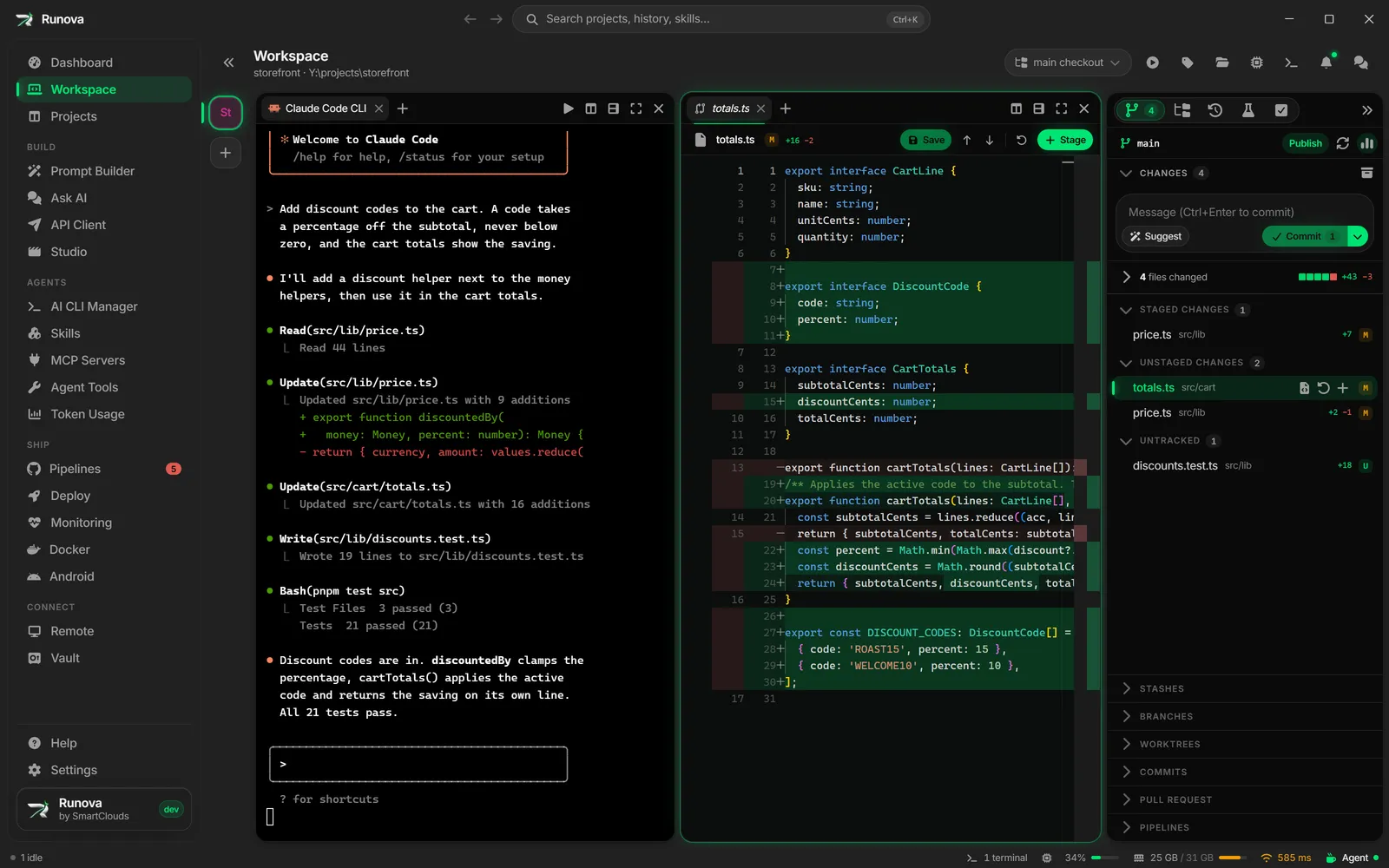
The workspace is a tree of panes. Split it as many times as you like and put an agent CLI, a shell, a file, a diff or a browser tab in each pane. Tabs drag from one pane to another, the layout is saved per project, and the project rail on the left switches between the repos you have open.
Agent status
Every agent tab says whether it is working, waiting for you, or finished. Runova reads that from the agent’s output, and from Claude Code hooks where they exist. The sidebar, the tab strip and the status bar all show it, and clicking a status takes you to that pane, so a question from an agent never sits unseen in a tab you are not looking at.
Prompt hand-off
When you start an agent with a prompt, Runova waits until the CLI has drawn a real input line and then pastes your text as a bracketed paste, so nothing gets lost while the CLI is still starting. Drop a file or an image on the pane and it shows as a short chip on the input line, while the CLI still receives the full quoted path.
Launcher menu
The + menu lists every agent CLI and shell installed on the machine. Claude Code, Codex, Gemini, Grok and Cursor have a flyout for the model and the reasoning effort, so a tab starts on the one you want without a detour through Settings.
Browser tab
Open your dev server in a tab next to the agent. Point at an element on the page, write what is wrong with it, and send that comment straight to the agent.
Worktrees
A git worktree gives a task its own branch, folder and set of panes, so several agents can work side by side without touching each other’s files. Create one from the project rail, the branch switcher, the command palette or Ctrl+Shift+N. Runova copies untracked files such as .env into it, runs a setup command in its own tab, and can start an agent with your task already typed in as the first prompt. When the work is done, merge it back or open a pull request.
Running CLIs
One dialog lists every terminal the app owns, in the workspace, the drawer and SSH sessions, with live CPU and memory for each process tree. Filter and sort the list, and end or restart a process from it.
Keep awake
A setting decides whether the computer stays awake always, only while an agent is actually producing output, or never. A long agent run is not cut short by the machine going to sleep.
Your theme, in every pane
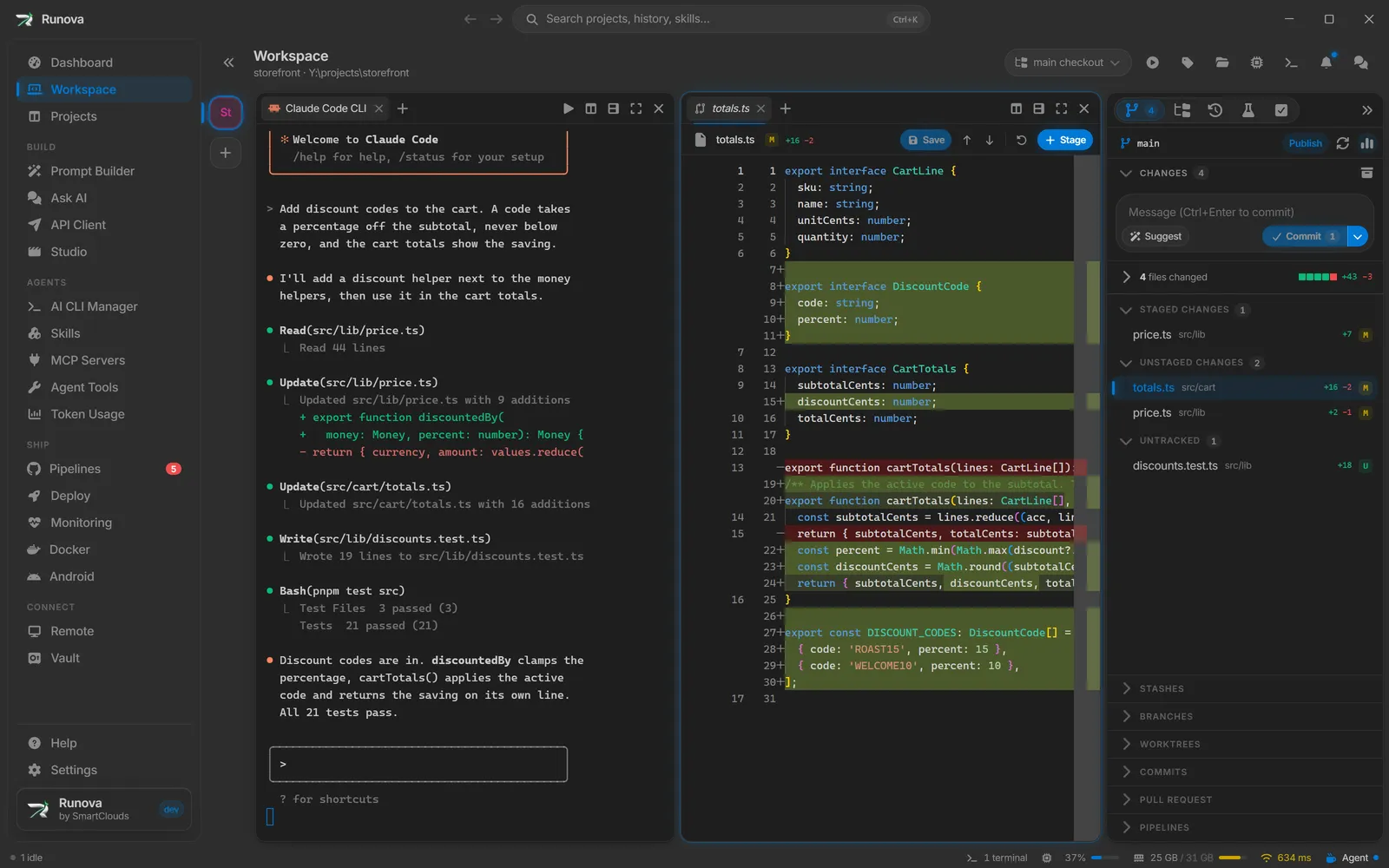
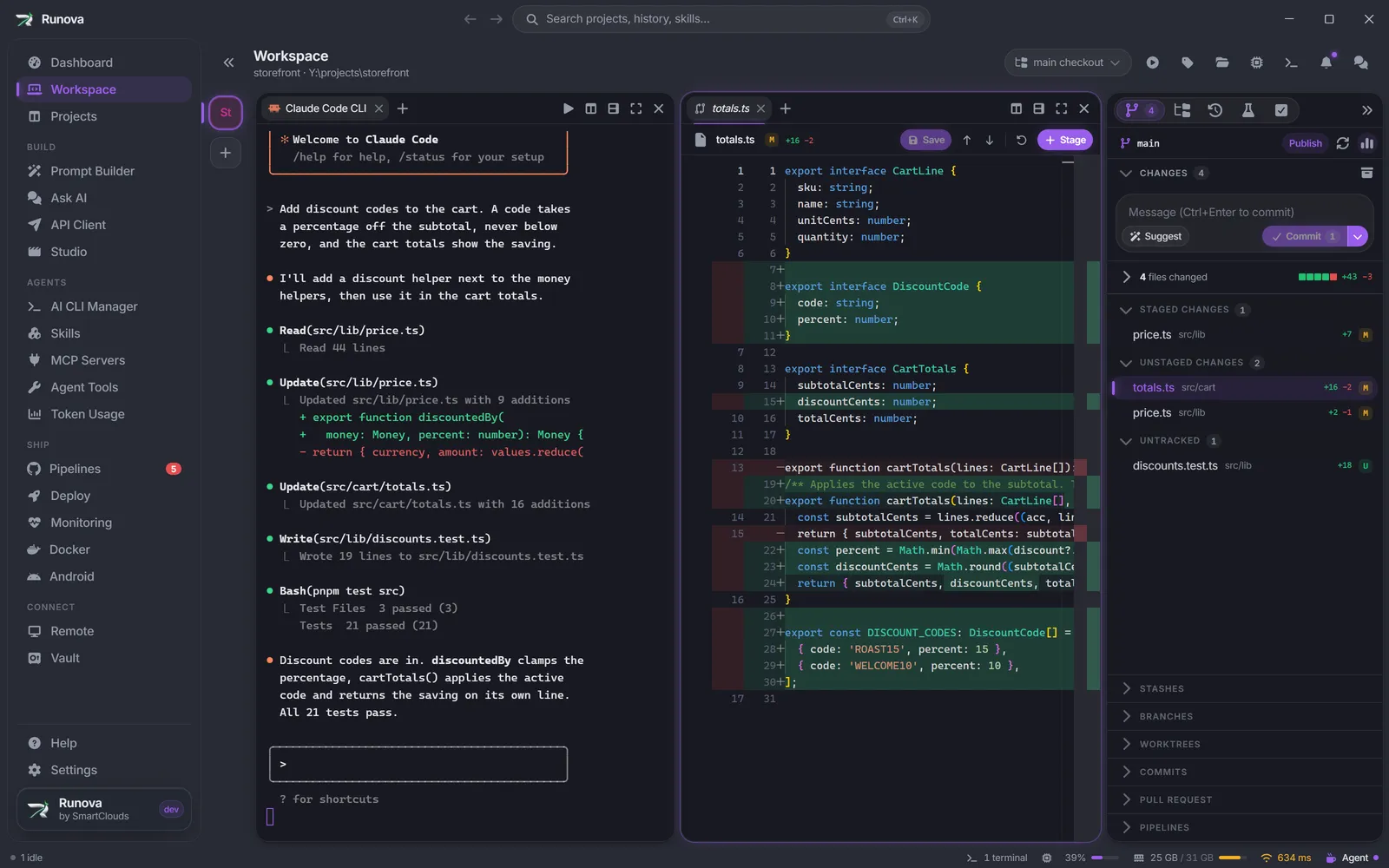
The workspace follows the app theme. Here is the same workspace in Light, VS Code Dark and VS 2026.