
Features
Runova is built around agents doing the typing and you doing the steering. These pages walk through what the app does, group by group, with screenshots taken from the app itself.
Showing 12 of 12 features
Workspace
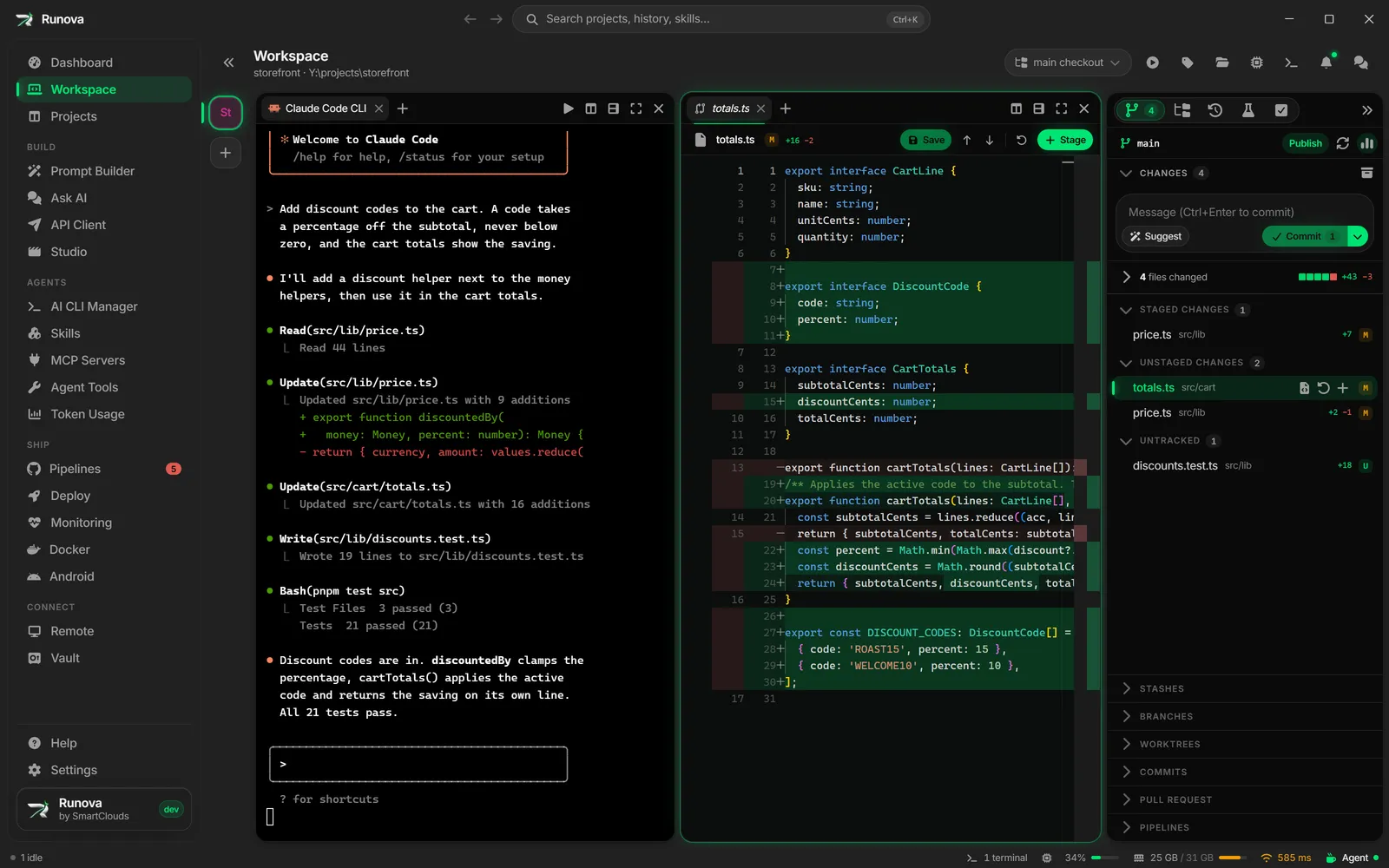
Workspace and agent status
One window, as many panes as you need, and an agent or a shell in each. Runova shows which agents are working, which are waiting on you, and which are done.
Workspace
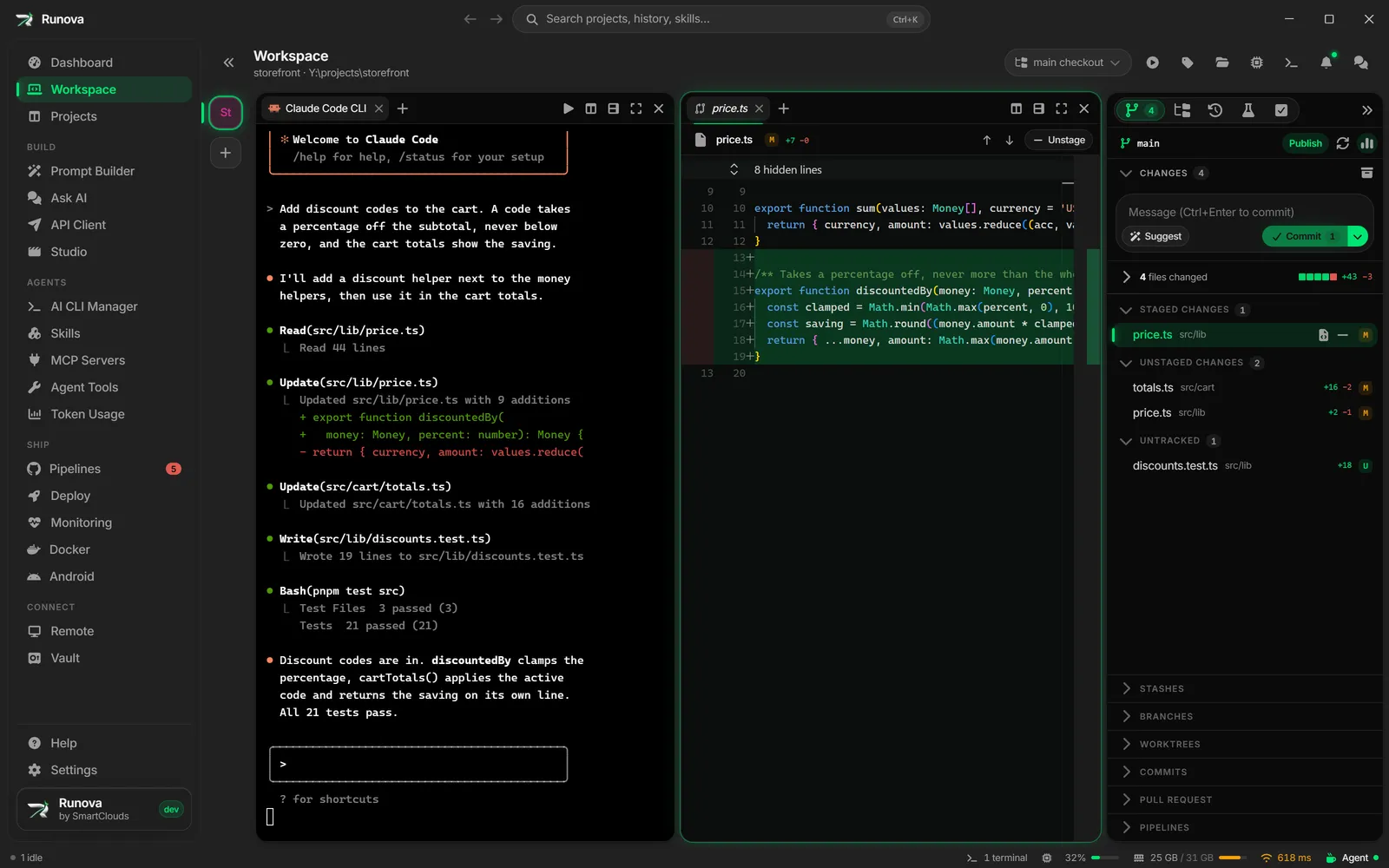
Git, diffs and review
Source control, diffs and the editor sit beside the agents. Stage a hunk, resolve a conflict, bump a version, tag a release, or have several agents review the change.
Workspace
Tests
Runova detects the test runner, runs it from the workspace with results streaming in, and hands the failures to an agent with one click.
Build
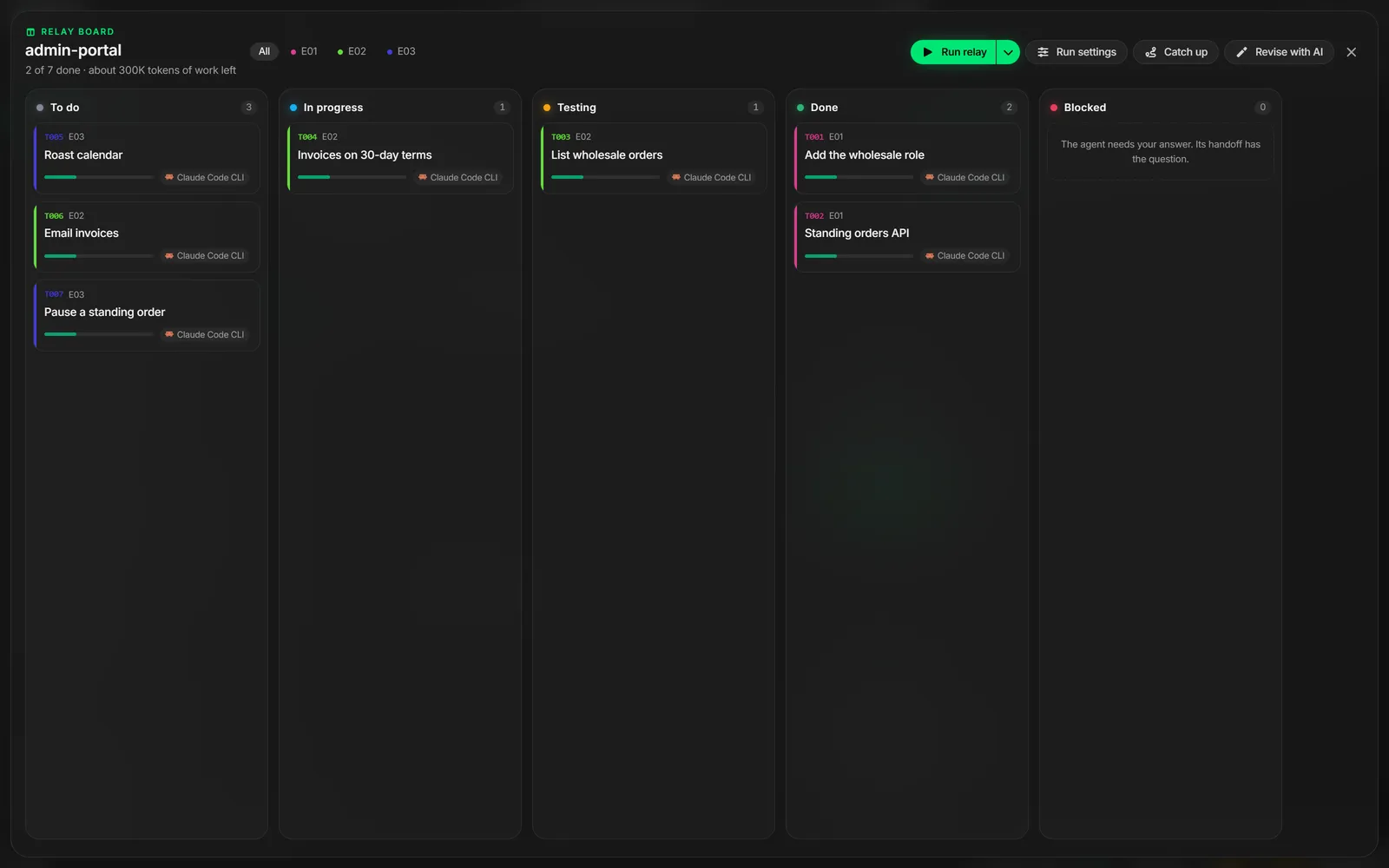
Relay
A job too big for one session becomes a set of task files. Runova runs them one after another in fresh sessions, and every session leaves a handoff for the next.
Agents
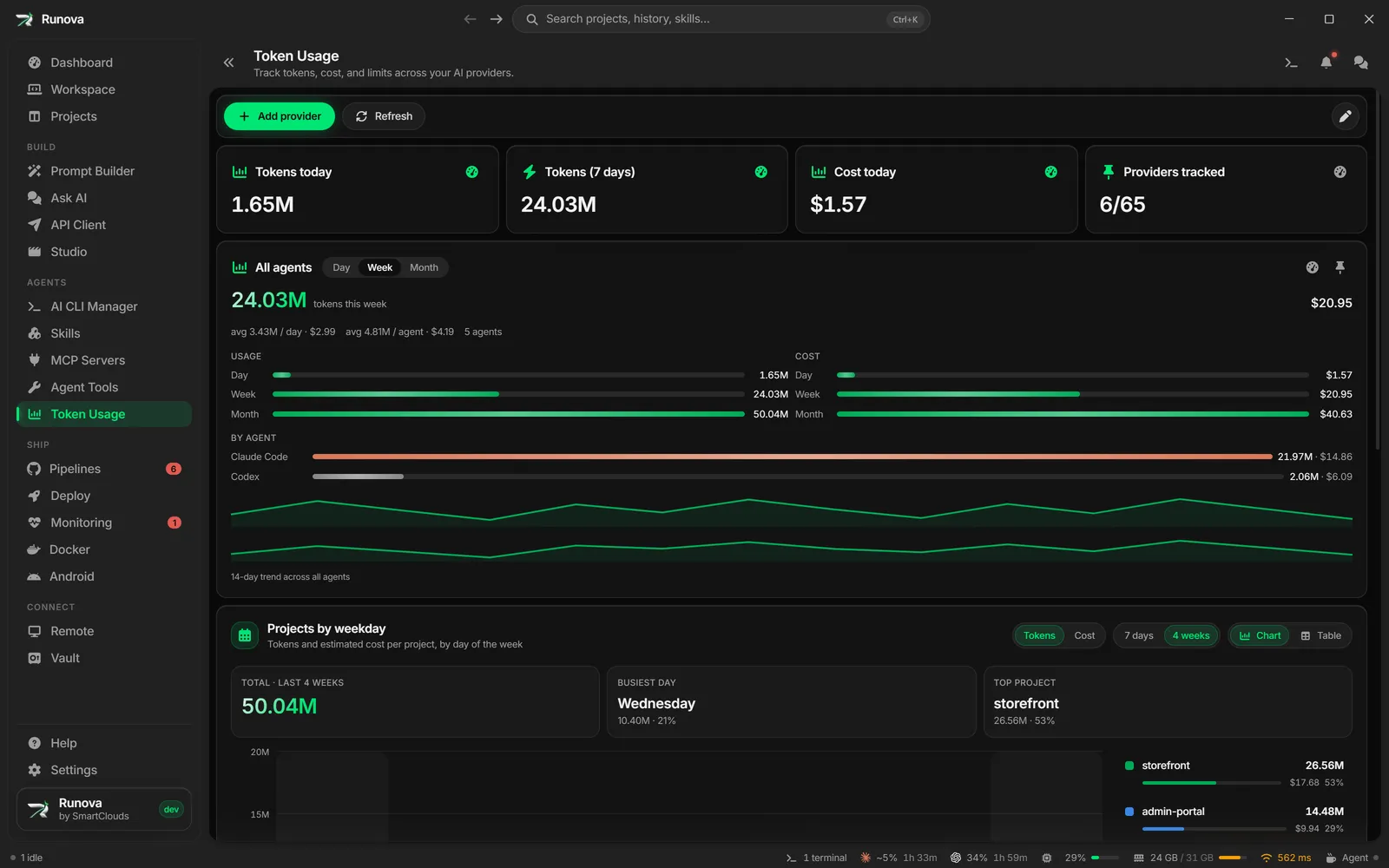
Token usage and auto-continue
Tokens, cost and plan limits for every agent you use, read from local logs where possible. Auto-continue picks a stopped agent back up when its limit resets.
Projects
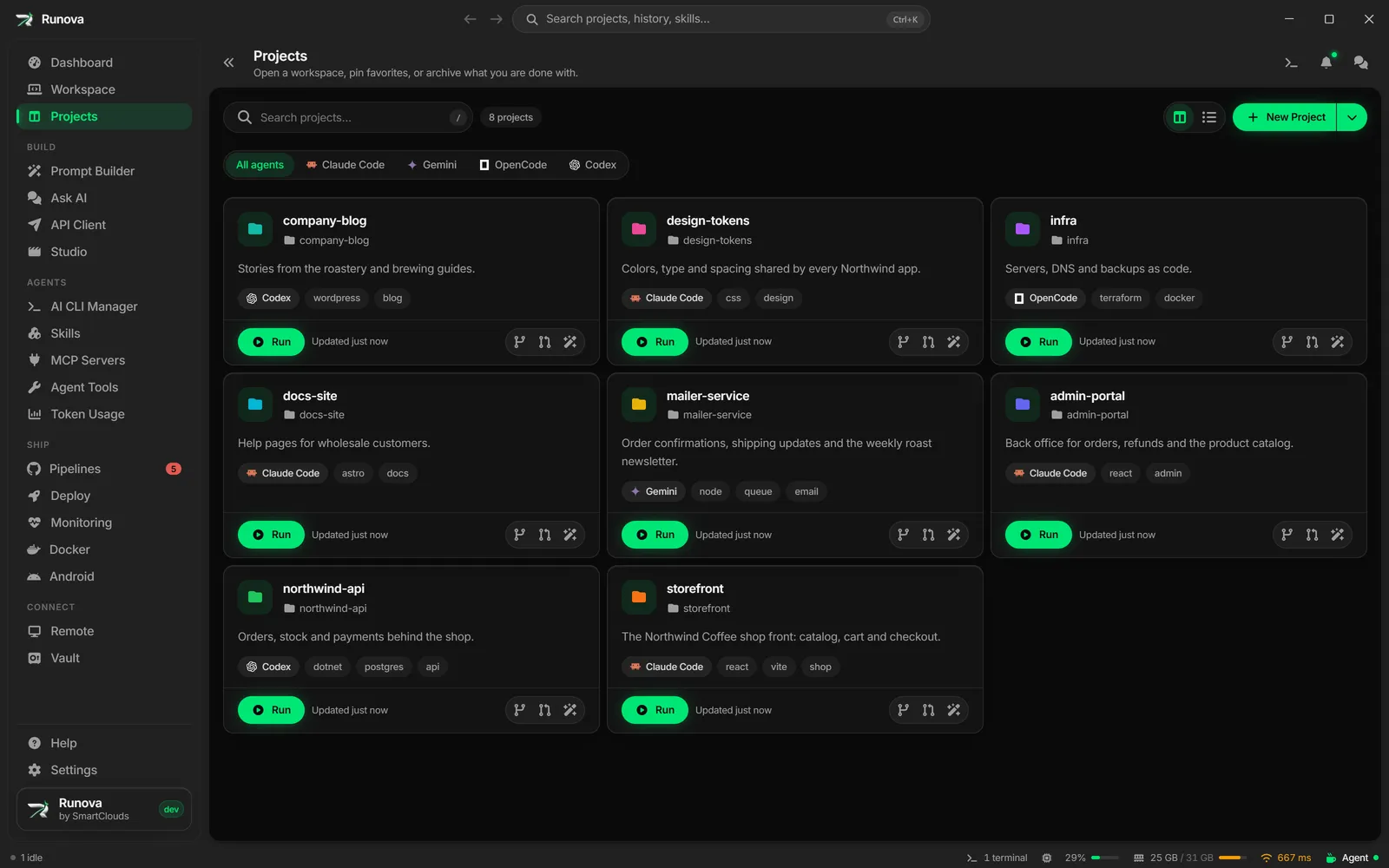
Projects
Each project has a page with its run commands, security scans, packages, environments, and the skills, MCP servers and hooks its agents start with.
Build
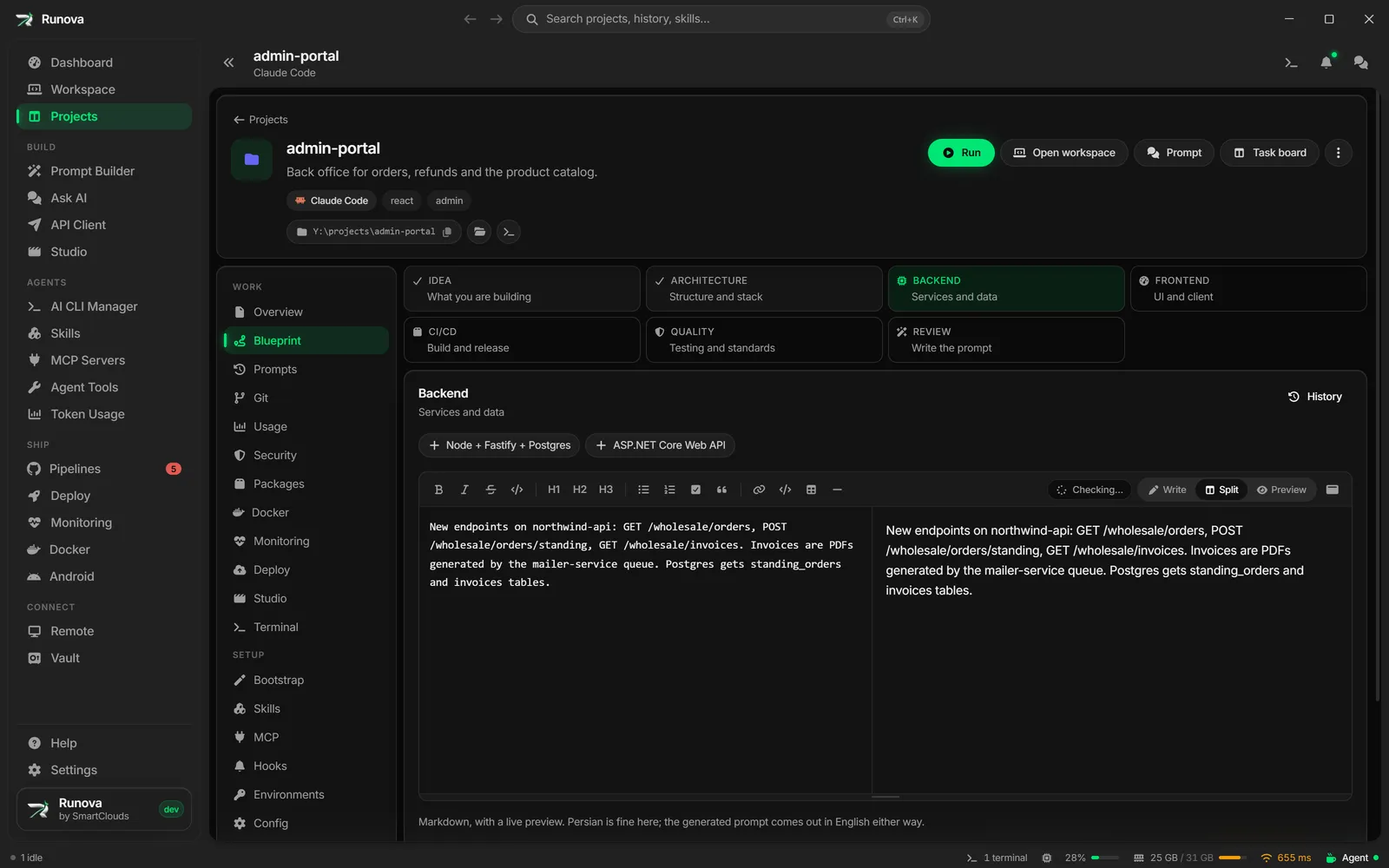
Build
The tools you use before and around an agent run. Plan a project with Blueprint, shape prompts, run them later, check your writing, chat with a model and call your APIs.
Agents
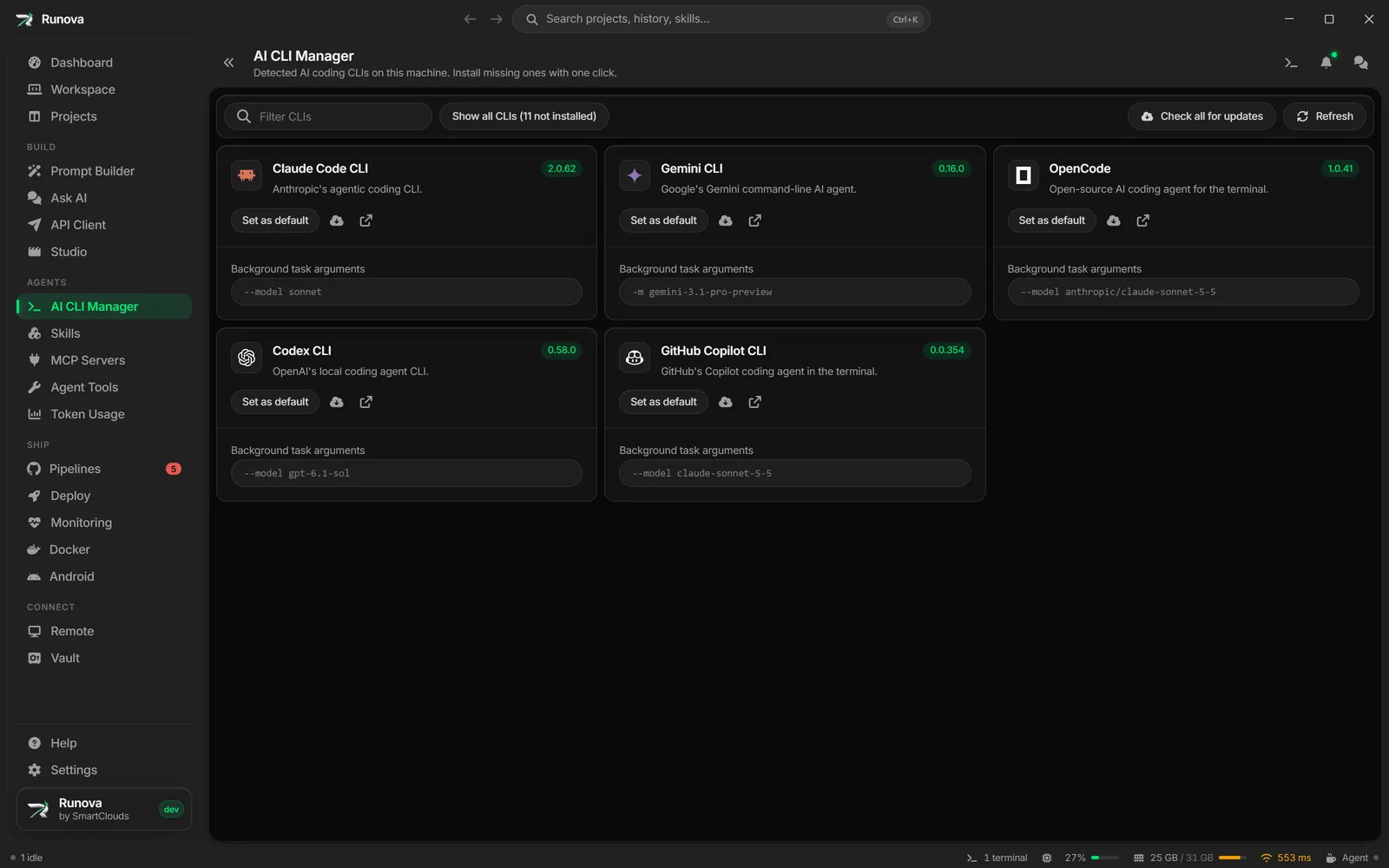
Agents
Find, install and update the AI coding CLIs, give each one its launch defaults, add skills and MCP servers to a project, and scan a skill for risks before you trust it.
Ship
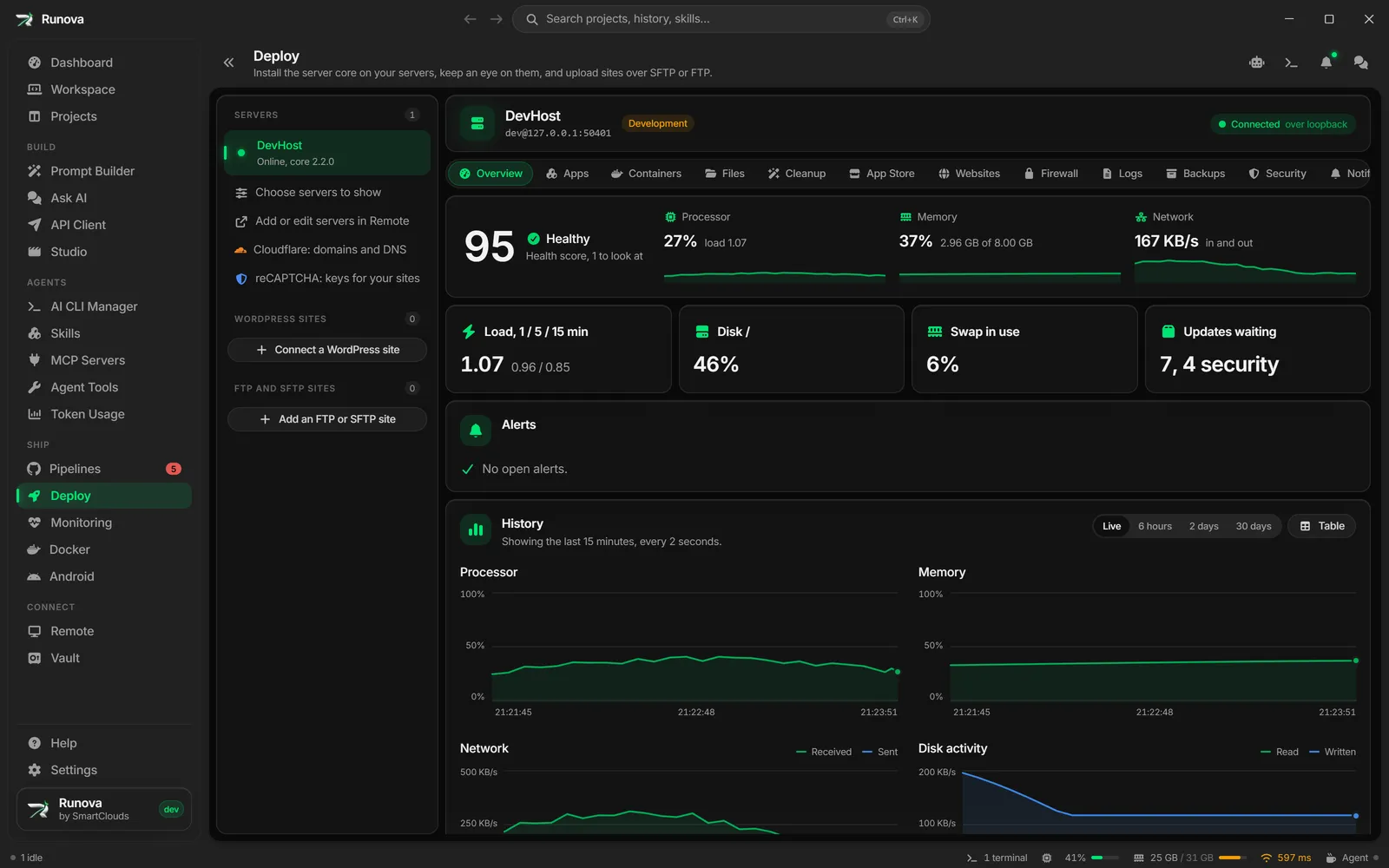
Ship
Everything after the code is written. GitHub Actions, a panel for your own Linux servers, uptime and error monitoring, Docker containers and Android emulators.
Connect
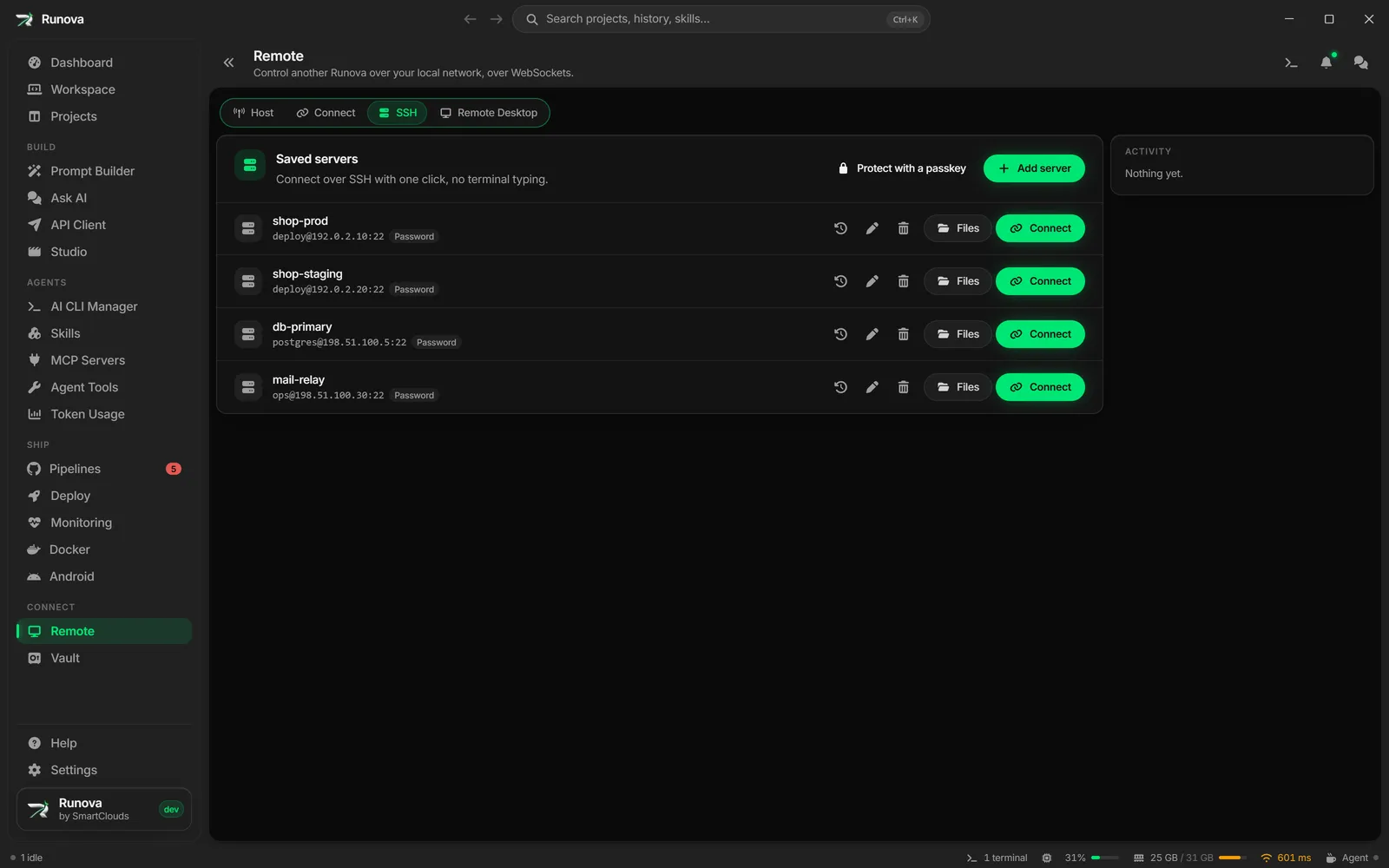
Connect
Reach other machines from one place. Control another Runova on your network, open SSH and Remote Desktop sessions, and keep their passwords in an encrypted vault.
Build
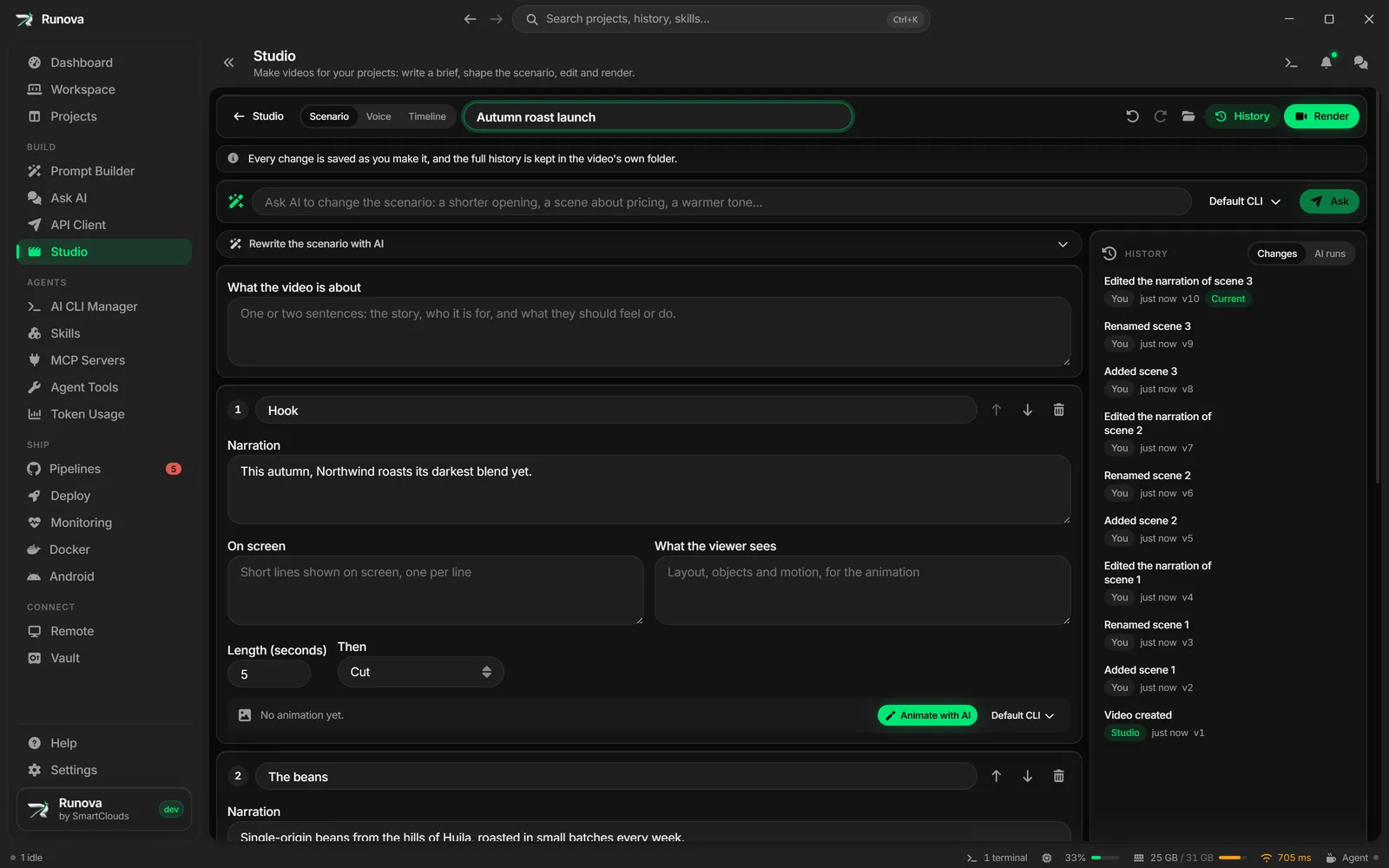
Studio
Make launch teasers, walkthroughs and shorts. An AI CLI writes the scenario from your brief, animates the scenes and gives them a voice, and every edit is kept.
Around the app
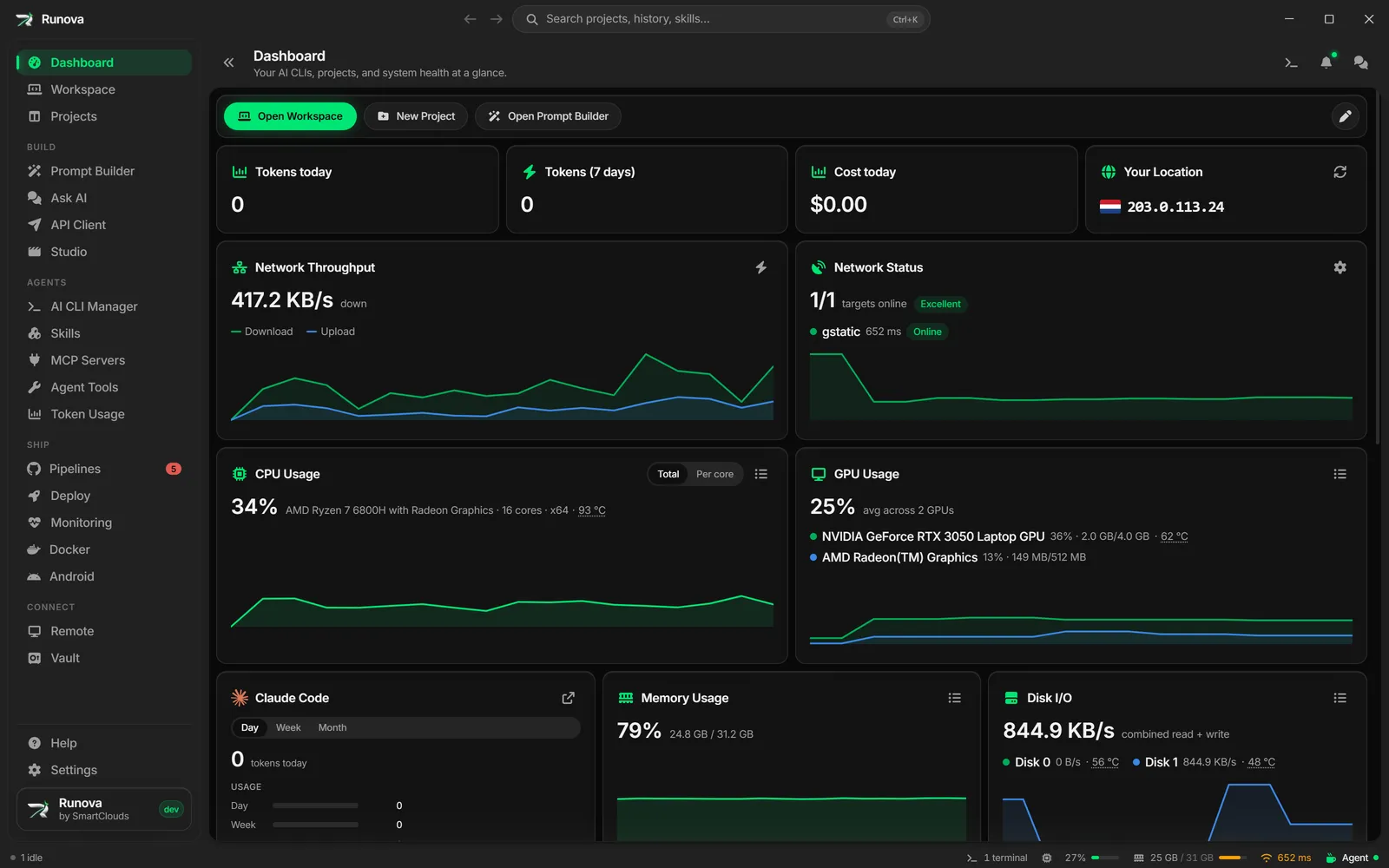
Everything else
The parts that hold the app together. A Dashboard, a status bar of live popovers, notifications, an offline help center, the AI Pet, settings and a proxy.
No feature matches that filter.