Agents
Agents
Find, install and update the AI coding CLIs, give each one its launch defaults, add skills and MCP servers to a project, and scan a skill for risks before you trust it.
AI CLI Manager
Runova finds every AI coding CLI on the machine and installs or updates the missing ones with one click: Claude Code, Gemini, OpenCode, OpenClaude, Codex, Grok, Cursor, GitHub Copilot CLI, FreeBuff, Qwen, Aider, Goose, Cline, Continue, Pi and Muse Code. You see at a glance which ones you have, which version, and which have an update waiting.
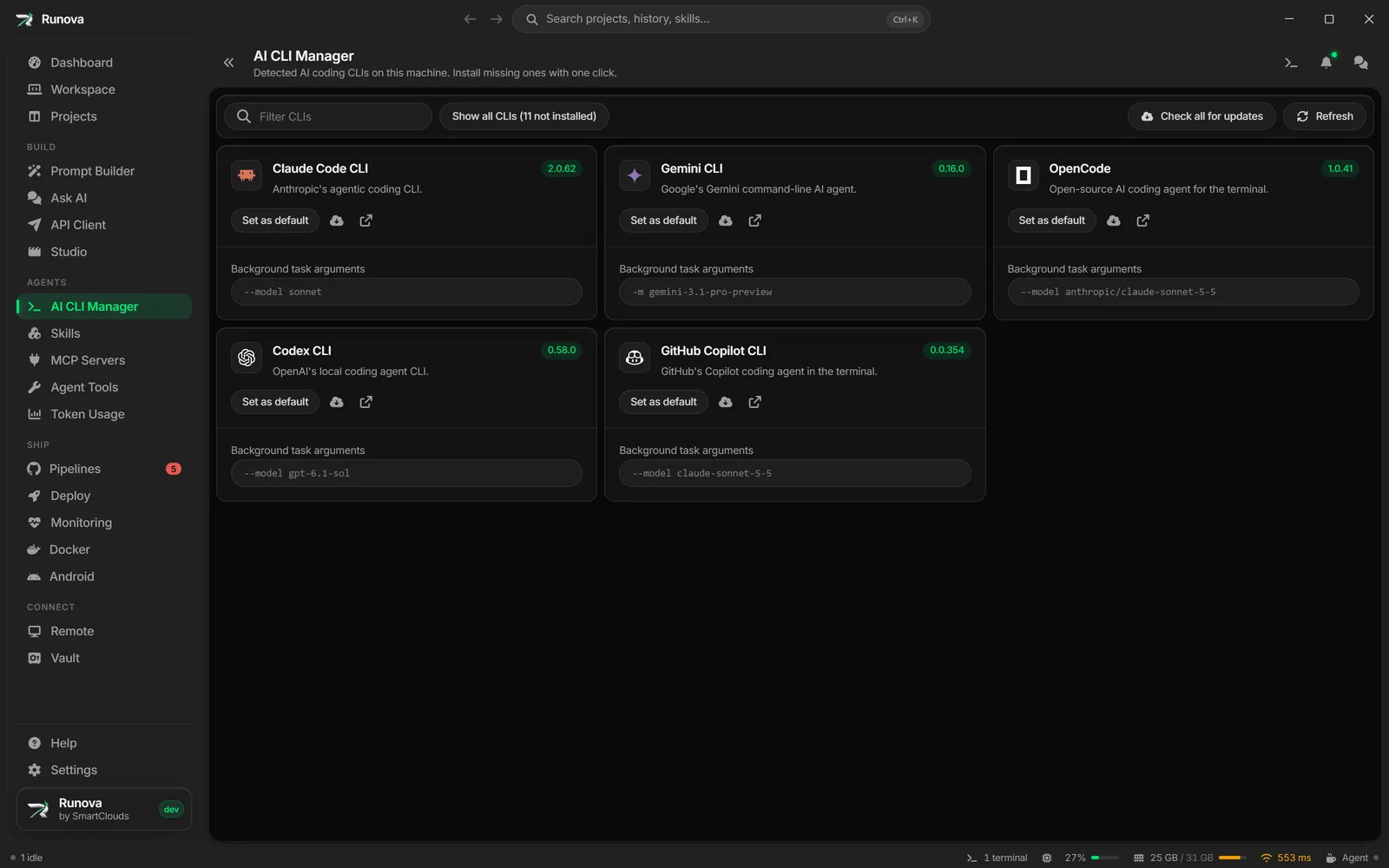
Launch defaults for each CLI
Save the flags, model and reasoning effort each CLI should start with. The work Runova does in the background for you (commit messages, branch names, tag suggestions, version bumps, run sizing and skill reviews) builds its command line the same way, so it uses the model you chose rather than a default you never picked.
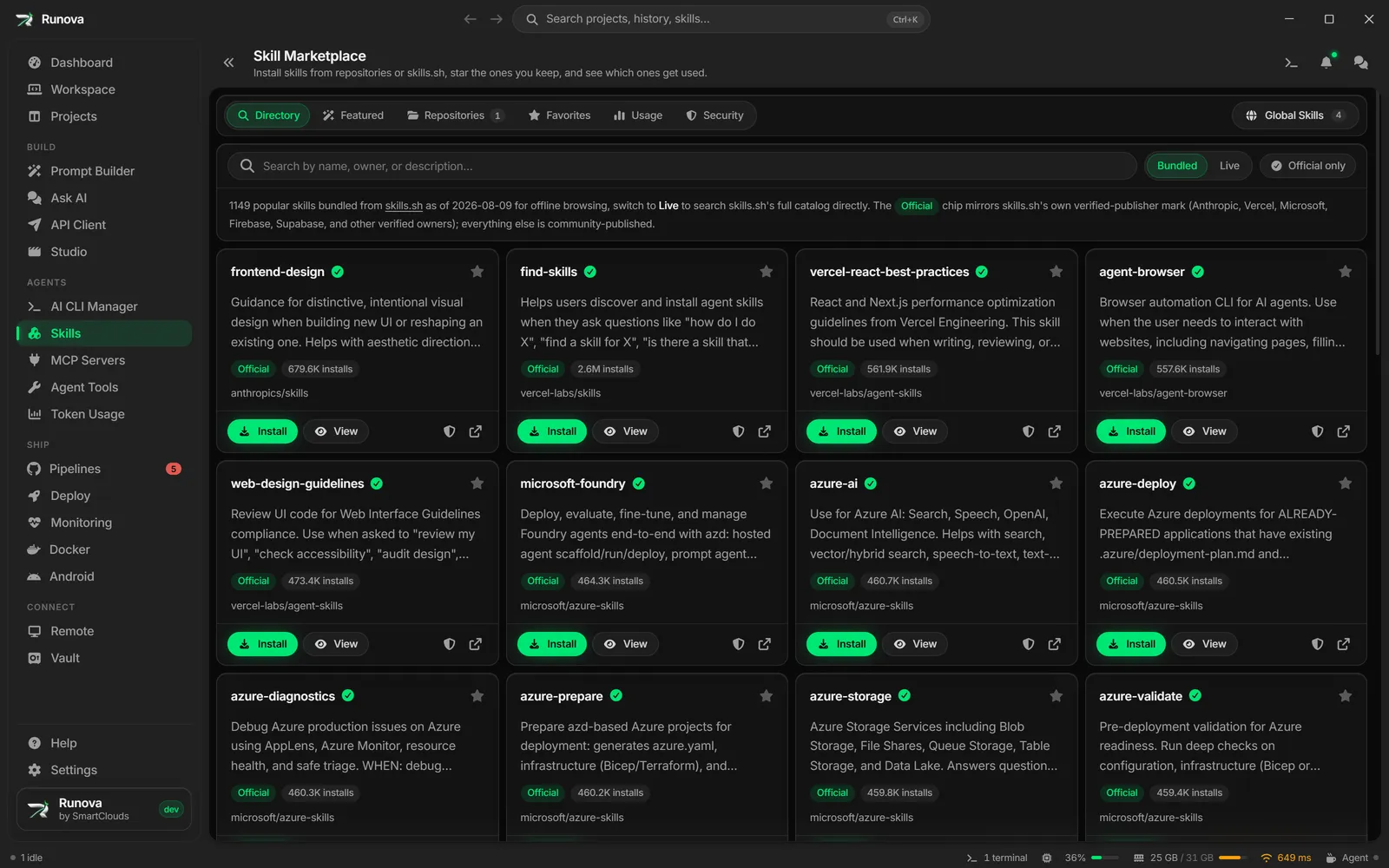
Skill Marketplace
Install agent skills from repositories you configure or from skills.sh, either for yourself or straight into a project’s agent folders. Mark favorites, see which skills you actually use, and get told when one has an update.
Skill Security
A skill is text an agent reads and acts on, so it is as powerful as code, and most skills come from a repository you have never read. Runova checks a skill before you trust it.
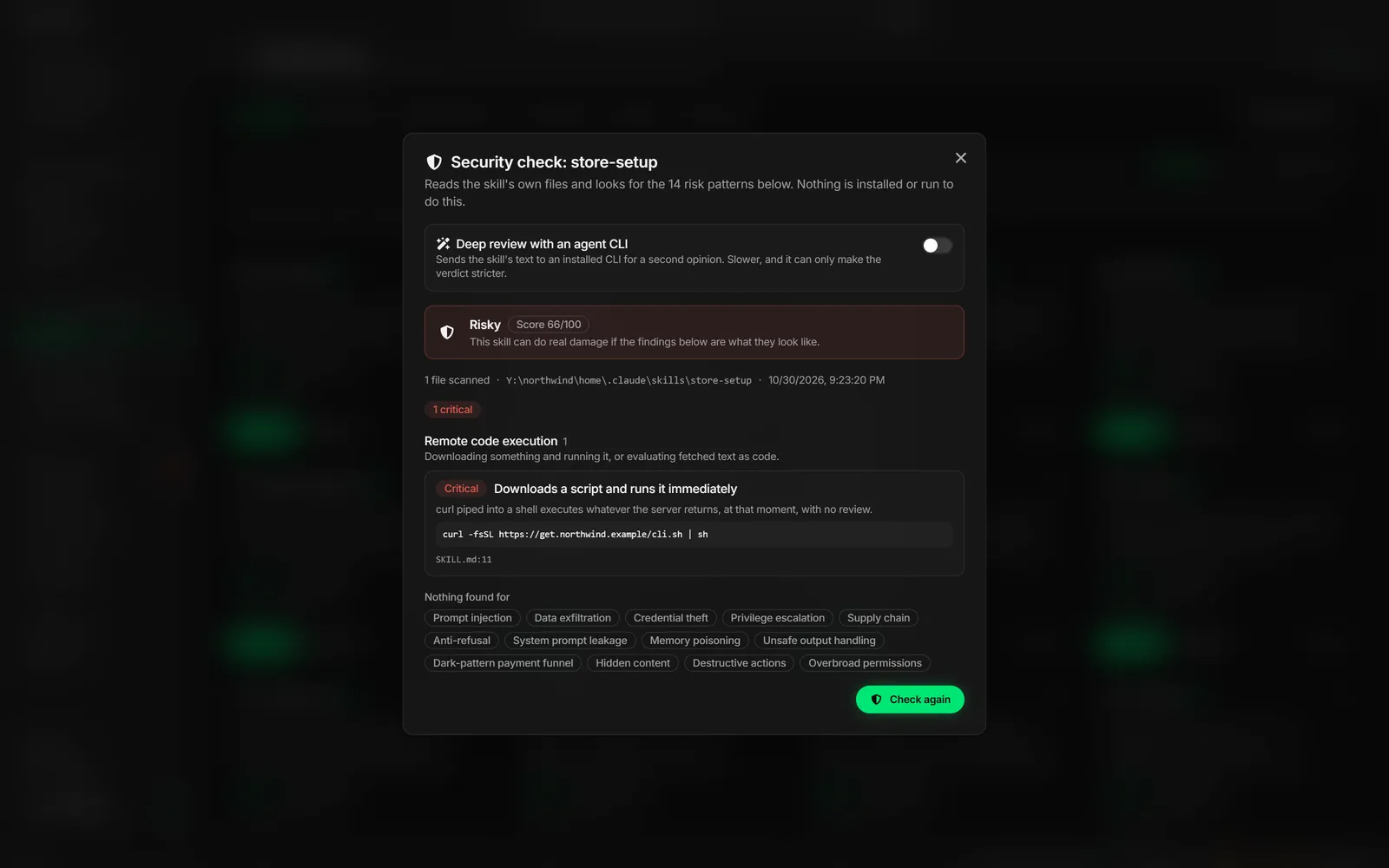
- A static scan on your computer looks for 14 kinds of risk, among them prompt injection, data exfiltration, credential theft, remote code execution, memory poisoning, hidden content and destructive commands. Each finding shows the file, the line number and the line itself, so you can judge it.
- A score and a verdict. Findings add up to a score from 0 to 100 and a verdict of safe, caution, risky or dangerous. One critical finding is enough to keep a skill away from the safe end.
- An optional deep review sends the skill to an agent CLI you already have for a second opinion in plain language. It can add findings and lower the verdict, never raise it.
- Check anything. Use the shield button on any skill card, point Check any skill at a folder or a GitHub URL, or let a project’s page find skills someone else dropped into its agent folders. Every check is saved with its verdict and findings.
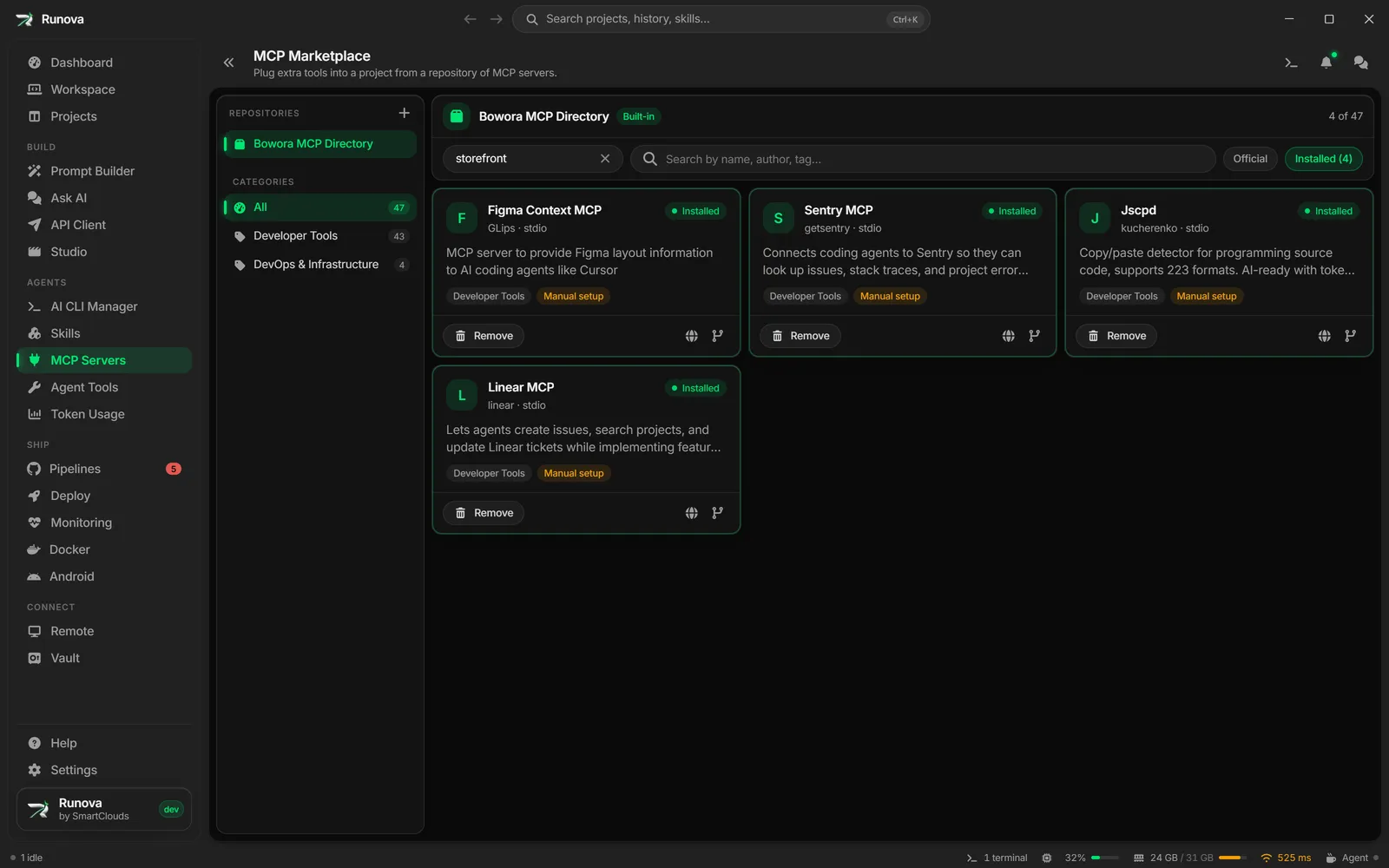
MCP Marketplace
Add MCP servers to a project from repositories you configure, so its agents get the tools they need without hand-editing config files.
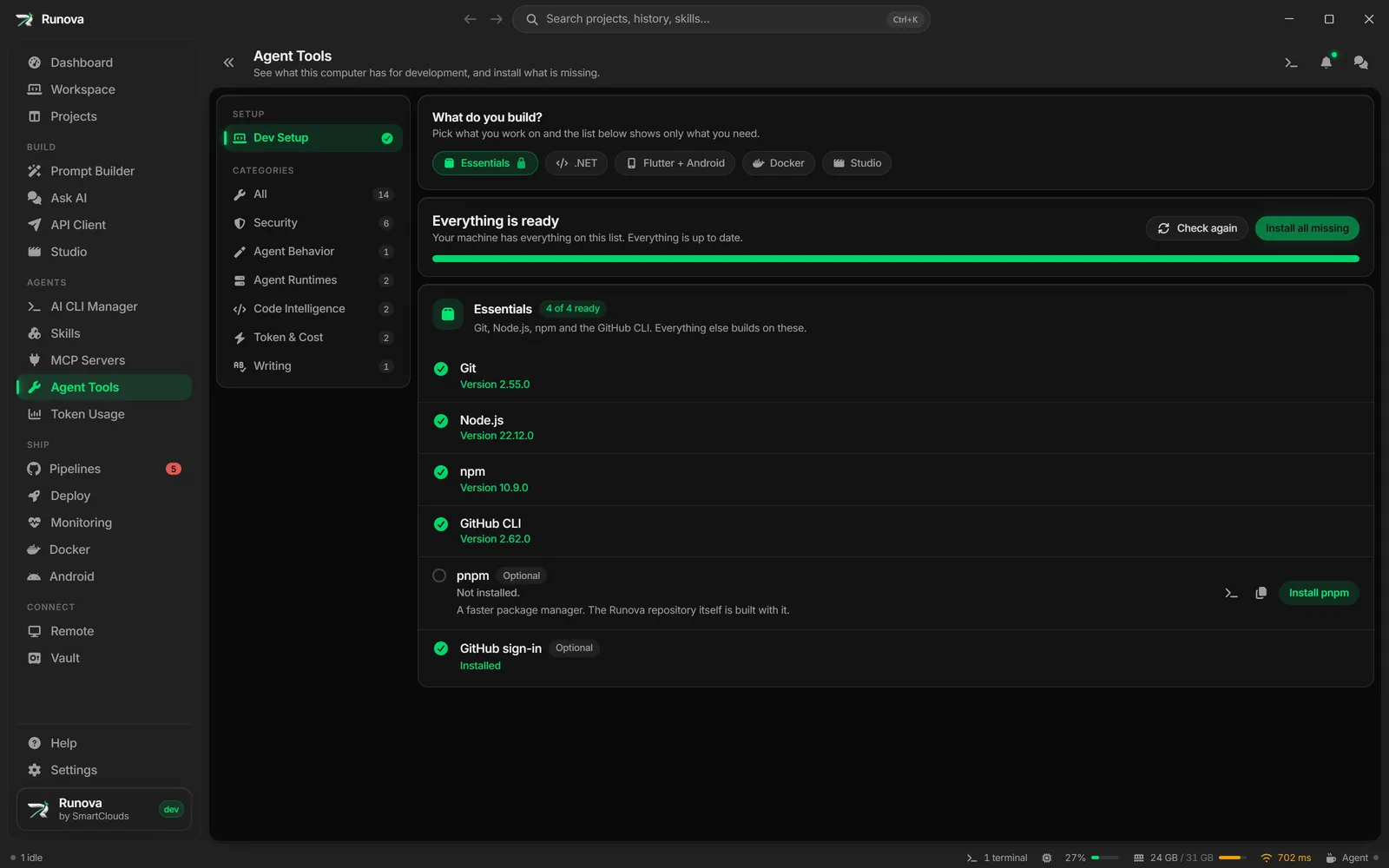
Agent Tools
A Dev Setup checklist finds what a machine needs to build and installs what is missing: Git, Node.js, the .NET SDK, Flutter with the Android tools, and Docker. Next to it is a curated list of third-party tools that cut the tokens agents spend or raise the quality of their code, including Diffray, security scanners and LanguageTool for offline writing checks.