
Agents
Token usage and auto-continue
Tokens, cost and plan limits for every agent you use, read from local logs where possible. Auto-continue picks a stopped agent back up when its limit resets.
Tokens, cost and limits in one place
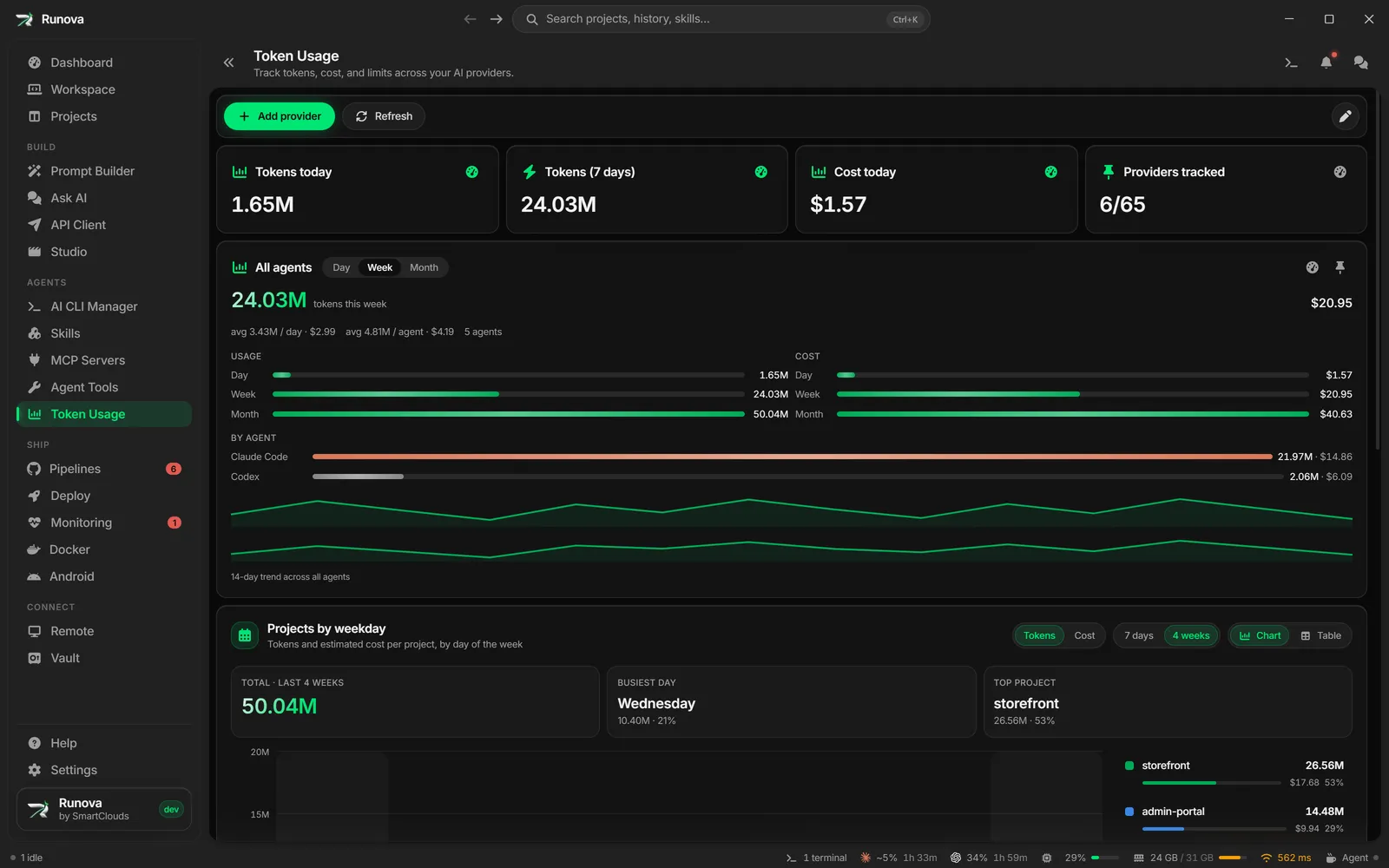
Agents cost money and run into rate limits, so Runova keeps the numbers in view. Token Usage tracks tokens, cost and rate-limit quotas across more than 60 providers. For Claude Code and Codex it reads the local logs, so no API key is needed.
Charts and alerts
Combined charts show usage by day, model and project, and a weekday chart shows which projects you spend on and when. Set thresholds and Runova warns you before you reach a limit. Floating glass widgets can sit on your desktop with the numbers you care about.
Usage per project
Every project’s page has a Usage tab with what its agent conversations cost, by day, by agent, by model and by conversation.
Auto-continue
Agents stop when they hit a usage limit or lose their connection. Turn on auto-continue for an agent tab and Runova types continue for you once the limit resets or the network error clears, so a long run survives a window boundary or a dropped connection.